MongoDB Compass AI Query Bar
Timeline
June '23
Team
Product Manager, Design Lead, Designer, UXR Lead, 4 Engineers
TLDR;
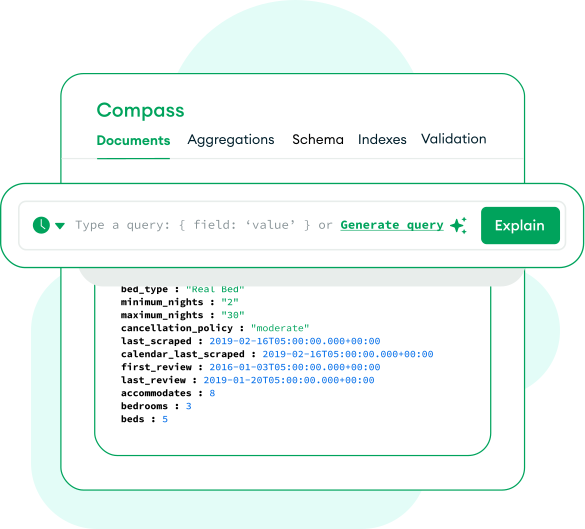
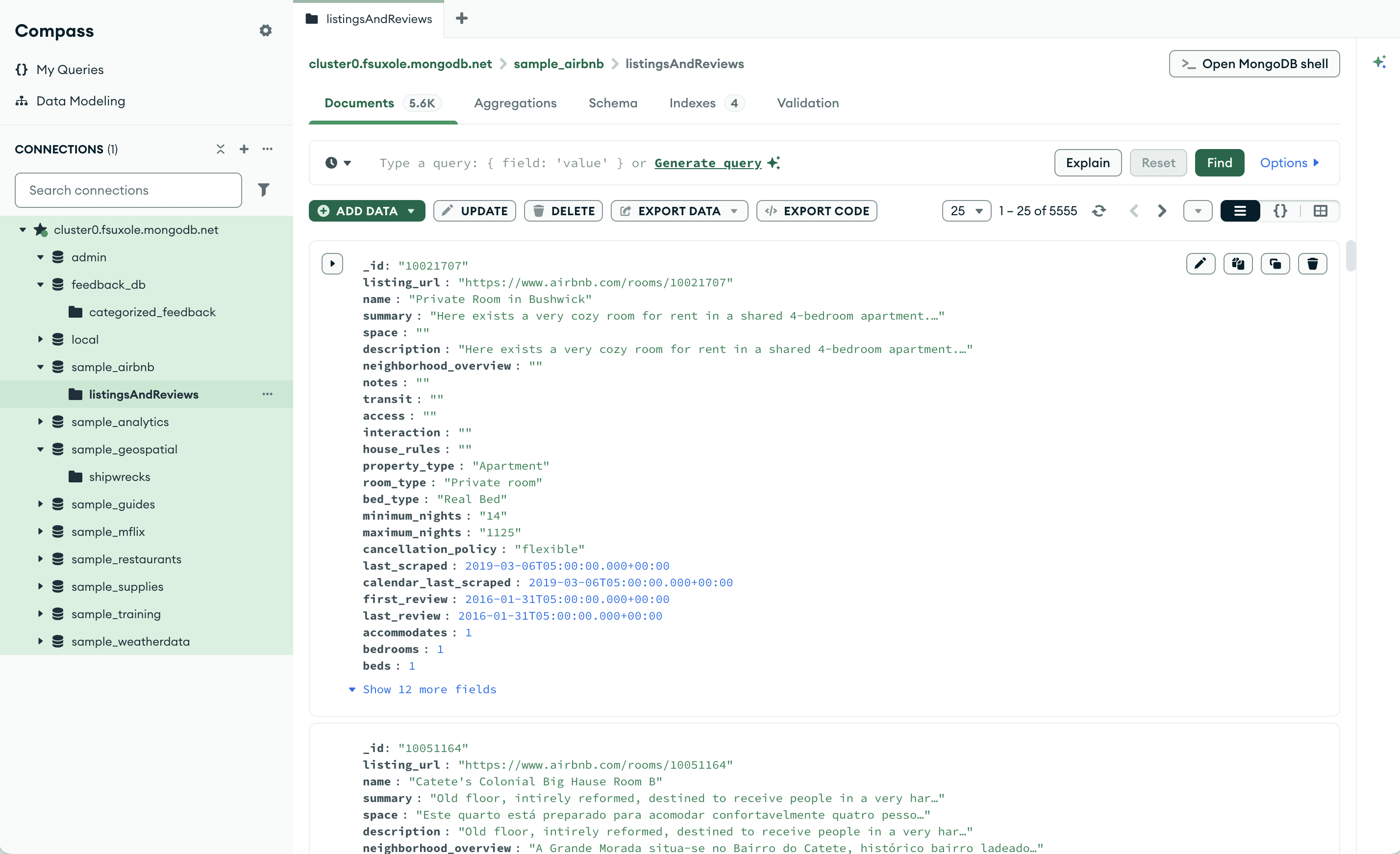
MongoDB is a database and data platform that offers Compass, a visual interface where users can easily run queries and explore their data
While developers can interact with MongoDB through the command line, drivers, or other tools, Compass provides a visual, low-friction way to explore and manipulate data.
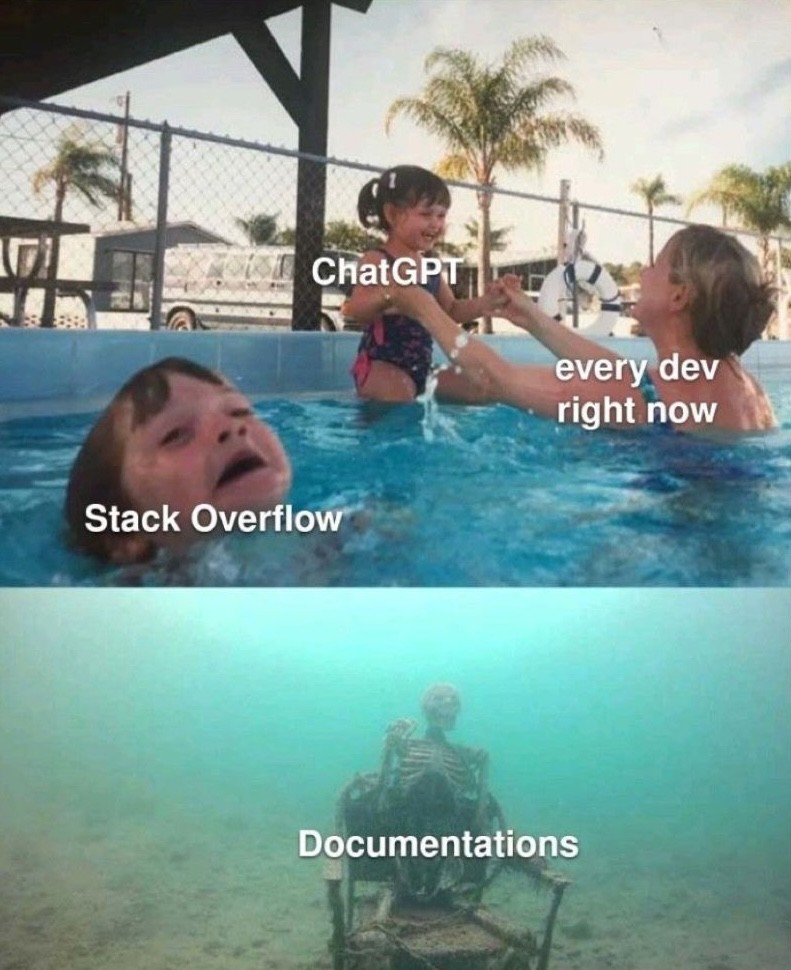
As generative AI gained momentum, the team saw a strategic opportunity to explore how Compass could make querying data dramatically easier
In 2023, generative AI adoption was rapidly accelerating. Tools like ChatGPT were changing how developers approached coding, raising expectations for more intuitive, natural-language interactions.
Even though it already made data exploration more accessible through a GUI, Compass still required users to understand MongoDB’s query syntax and write complex queries on their own.
Integrating AI directly into the tool offered an opportunity to reduce this friction without forcing users to switch context to a separate AI tool.
Within <1 month of joining the company, I had to quickly onboard onto Compass and lead a foundational research study for its first AI feature to launch that summer
With all the AI hype, the Compass team was excited to quickly ship the upcoming AI feature as soon as possible.
My first week I quickly onboarded onto Compass in a couple days by creating my own sample database, connecting to a cluster, and exploring the tool hands-on so I could ask informed questions during sessions.
I also initiated conversations with all key stakeholders, including the PM, design lead, designer, UXR lead, and engineers, to clarify goals and align on what we wanted to learn from research.
I surveyed 282 Compass users to understand how different segments use AI tools for writing queries
I launched a survey to understand usage patterns of AI tools for writing MongoDB queries. We worked with the analytics team to pull user lists across different segments.
MongoDB spend (Big / Medium / Small): MongoDB spend reflects different levels of organizational scale and usage. For example, larger companies might have more guardrails, but also more complex queries.
Query Frequency (High / Low): Query frequency reflects how often users write queries, which can correlate with familiarity and need for AI assistance. For example, high-frequency users may benefit more from AI features.
I surveyed 282 users, which was the number of responses we could collect within our timeframe. This was sufficient for exploratory research and to inform recruitment, interview questions, and design concepts.
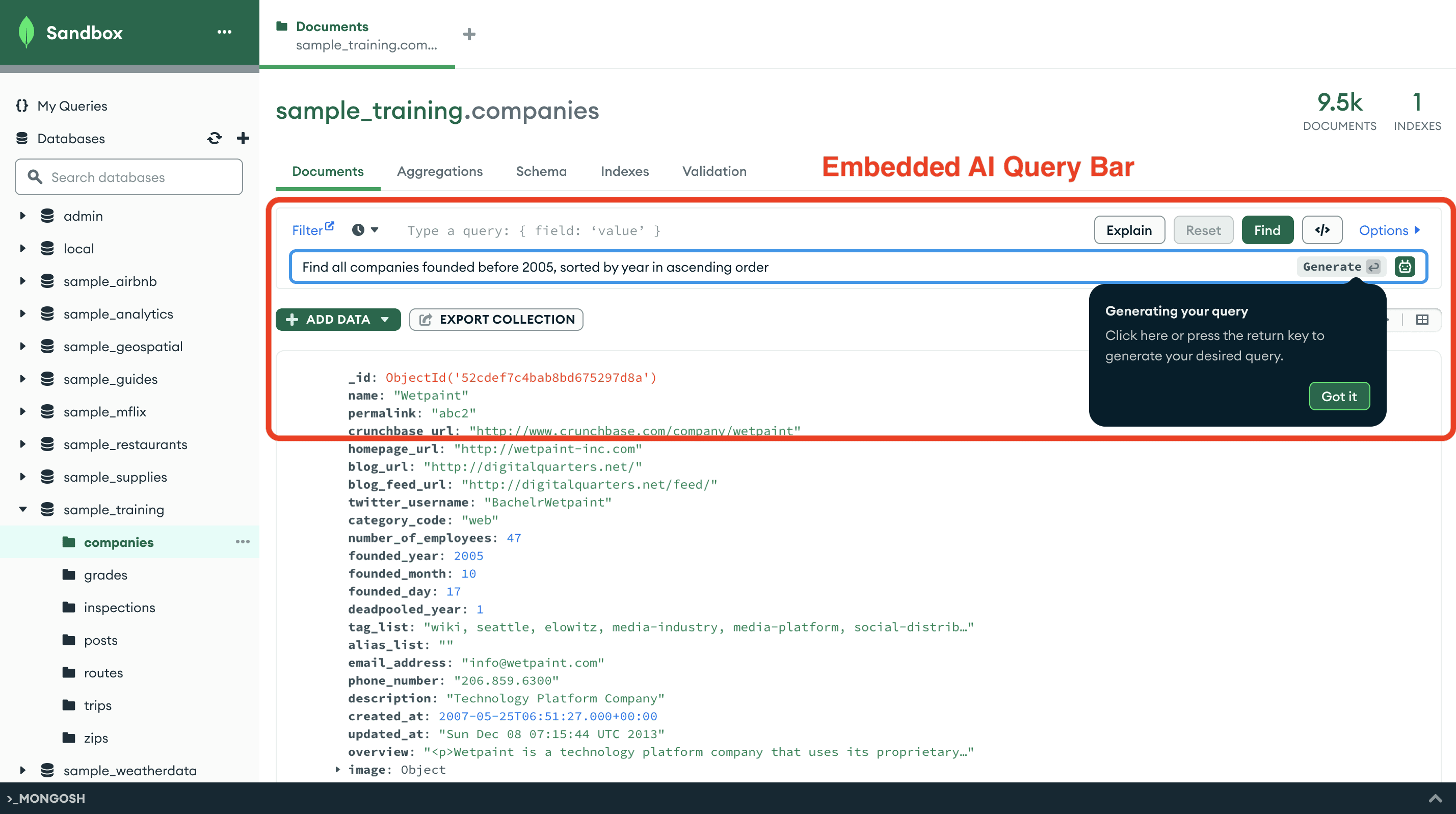
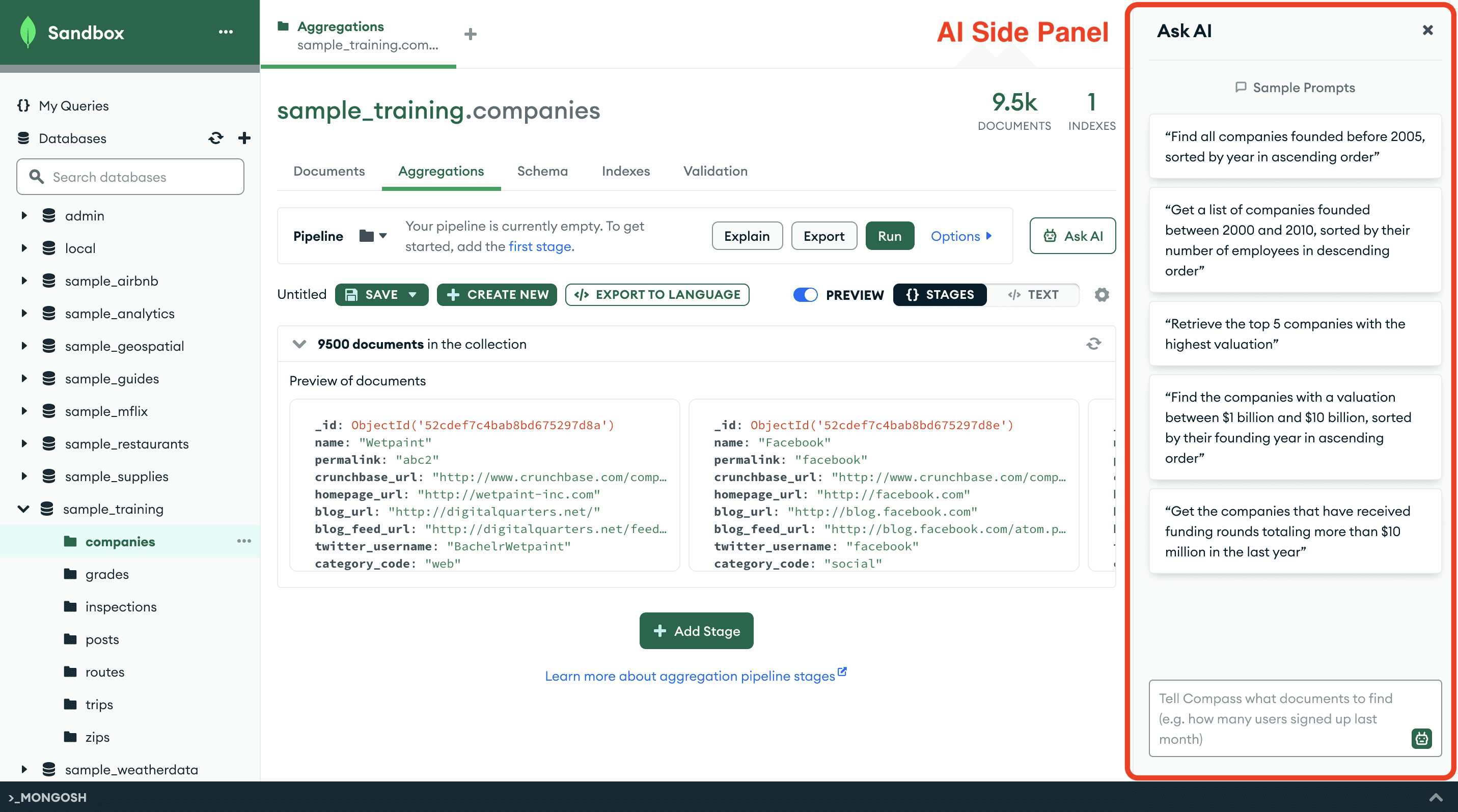
To explore how AI should integrate into Compass, I combined interviews and concept testing to evaluate 2 prototypes: embedded AI query bar and AI side panel
I planned interviews combined with concept testing using two concepts by a product designer to understand how they fit into users’ workflows. The sessions allowed me to ask deeper questions about participants’ current AI usage and concerns around using AI to write queries. I also focused on how users interpreted each interaction model and what expectations they had for AI assistance.
The concepts explored different placements for AI assistance:
Embedded AI Query Bar: AI is integrated directly into the query editor, allowing users to generate queries in the same place they already write them.
AI Side Panel: AI appears in a separate side panel where users can interact with it similar to a chatbot format.
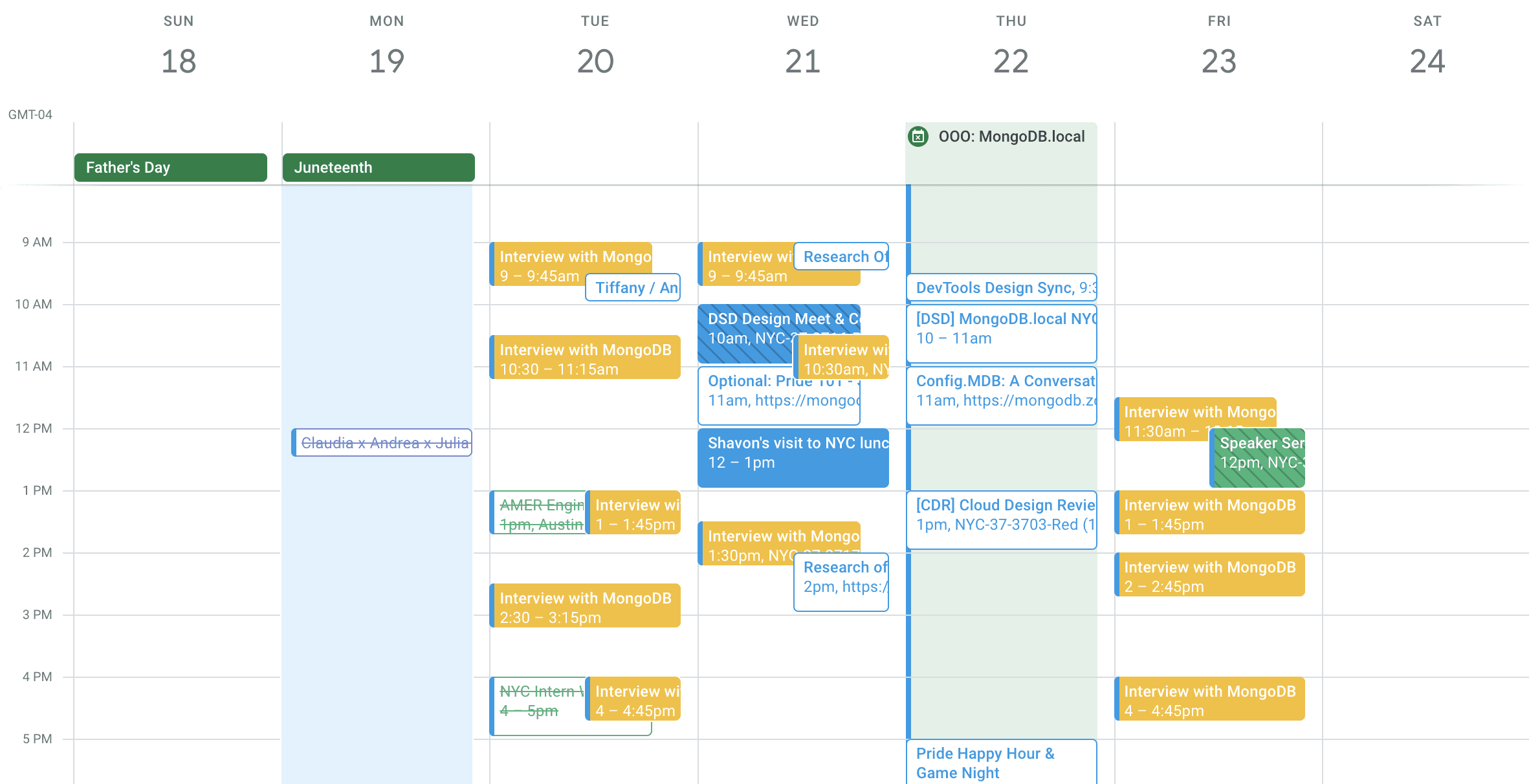
By my third week at the company, I was leading 3 full days of interviews with 12 survey participants
I owned the full process of who to recruit, scheduling, and incentive distribution using Rally UXR, ensuring that all interviews were completed that week despite having two off days.
I carefully selected participants with mixed AI usage to ensure the qualitative data reflected a range of user behaviors and needs.
I collaborated with my designer and PM at every stage, having them review my plans, inviting them to interview sessions, and discussing takeaways 1:1 or async after sessions so they could act on emerging insights
Challenge: I had to navigate multiple prototype updates from my designer while running back-to-back sessions
Because my designer attended almost every session, he would sometimes make quick updates to the prototype without letting me know. Since I was running multiple sessions per day with short breaks, I wouldn’t always notice changes until I was in the middle of a session. The updates were usually minor, so I adapted on the fly.
And because we weren’t conducting strict usability measurements, I focused on checking the prototype before sessions and asked my designer to notify me of any larger changes or ones I should pay special attention to.
I tailored and presented insights for different audiences to maximize impact
To manage the volume and focus of feedback, I created a separate doc for the designer containing detailed prototype feedback, so they could review it without going through everything with the full team.
The week after completing interviews, I triangulated both survey and interview data, and presented a comprehensive deck for the product and engineering team. I covered open questions about AI behaviors, attitudes and motivations, and recommendations for next steps.
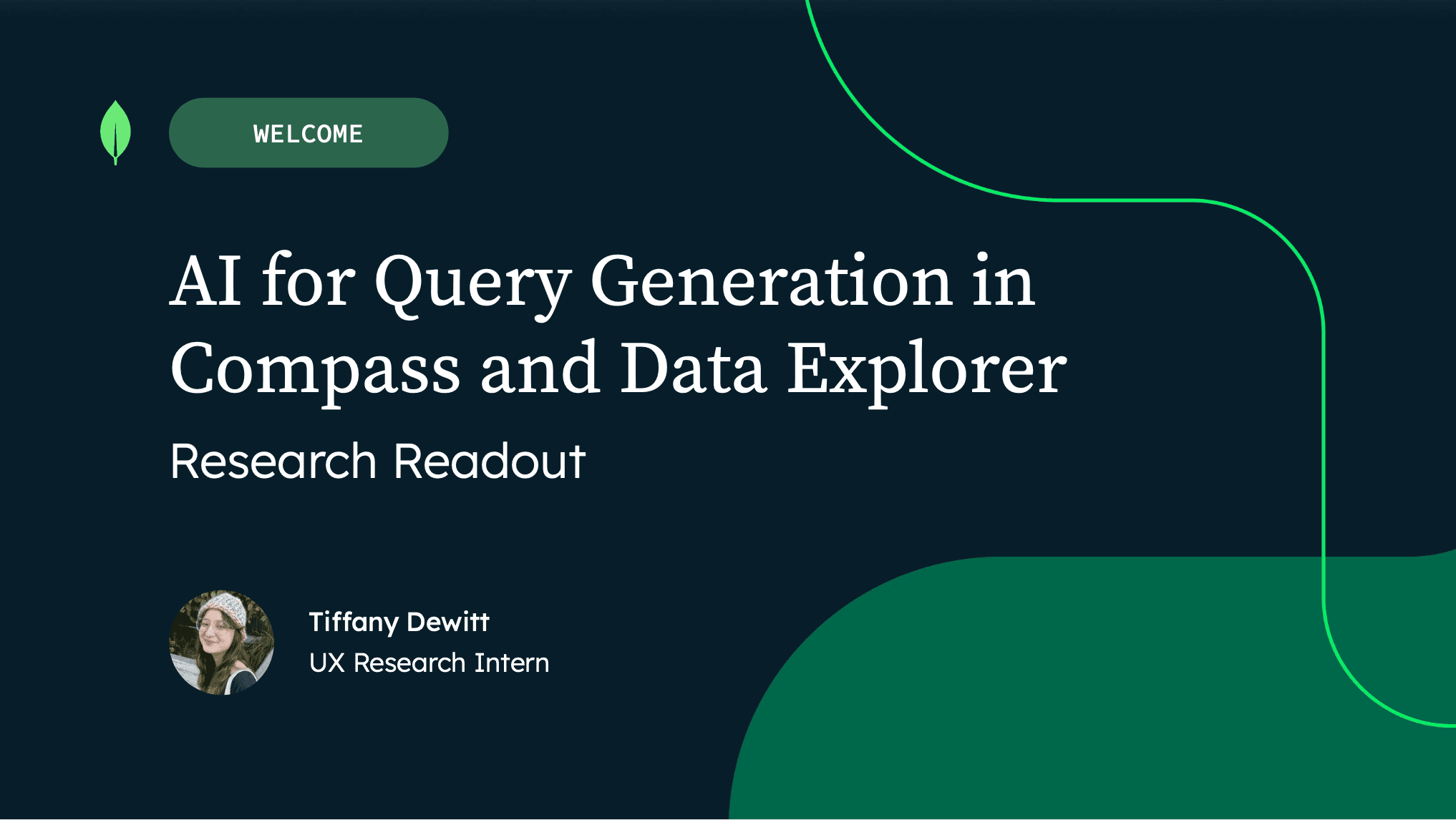
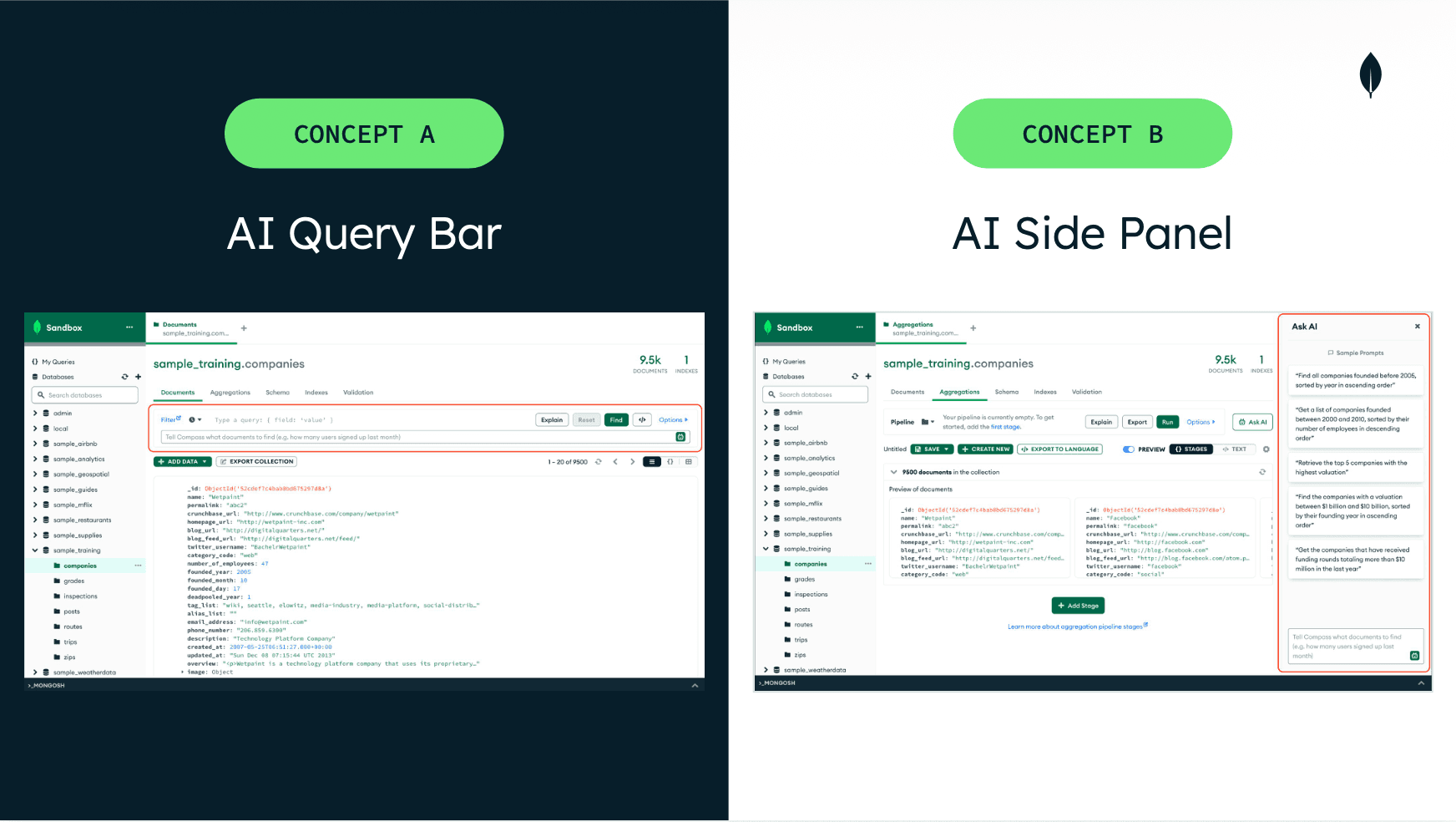
Based on concept test and survey data, I recommended first launching the Embedded AI Query Bar to match user workflows AND our technical constraints, while exploring the side panel for broader AI interactions later
Based on these insights, I recommended launching the Embedded AI Query Bar. This approach meets users where they already work, reduces confusion about the AI’s capabilities, and allows the team to ship an AI feature within our timeline.
I also recommended continuing to explore a side-panel experience as a future opportunity. Once engineering could support broader AI capabilities, such as answering general database questions, the side panel could provide a dedicated space for more advanced, chatbot-like interactions.
Impact: My insights shaped the design strategy for the first generative AI feature on Compass to enable faster querying for 1M+ active users and provided foundation for later launched AI initiatives like the MongoDB Assistant
The AI Query Bar launched about three months after my project. Two years later, the team also introduced a more general AI assistant in Compass—exactly the direction I had suggested exploring once the product could support broader capabilities. So cool!
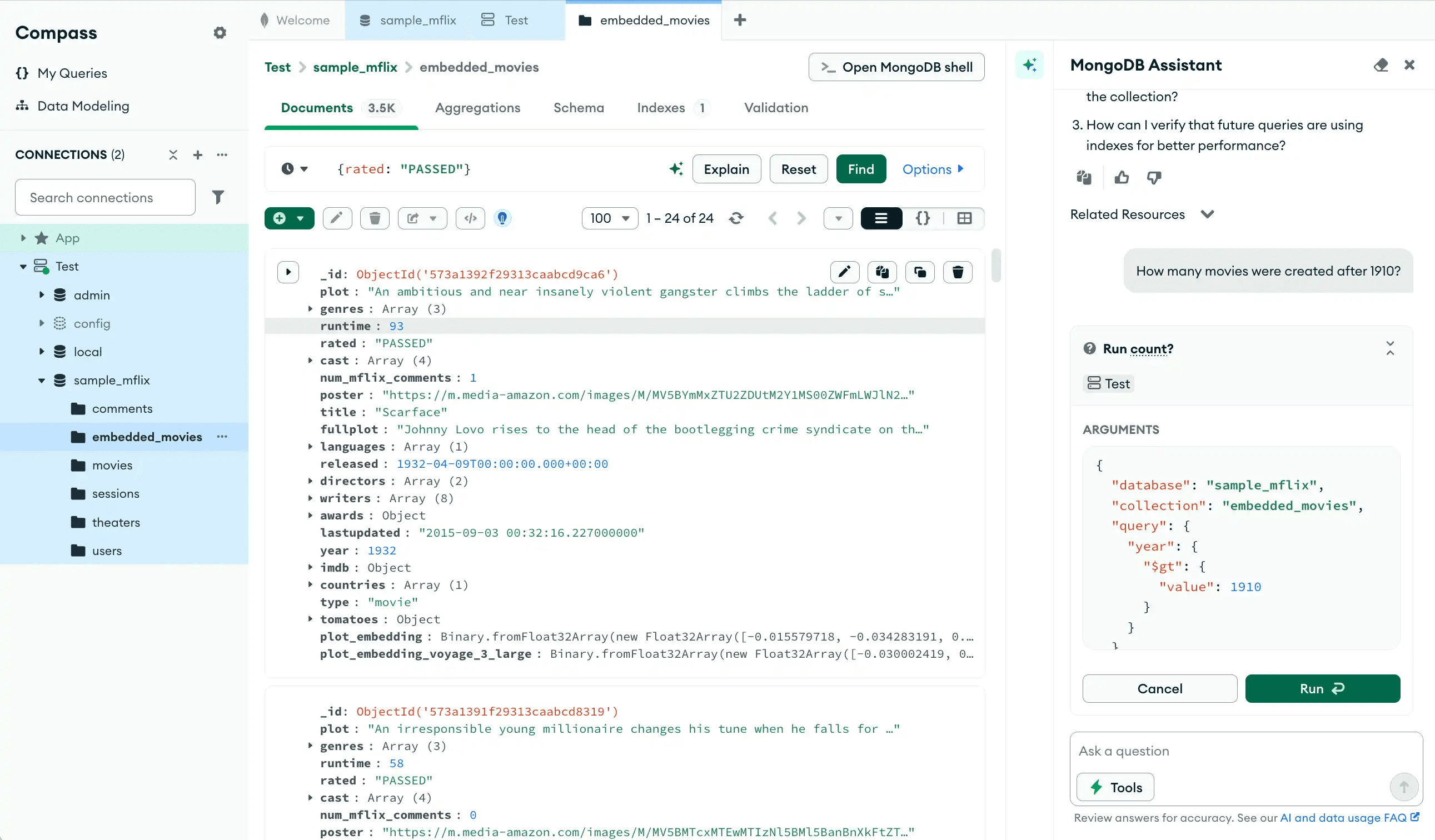
Learnings: Act quickly if you're given the chance! Early insights make a difference, even when timelines shift
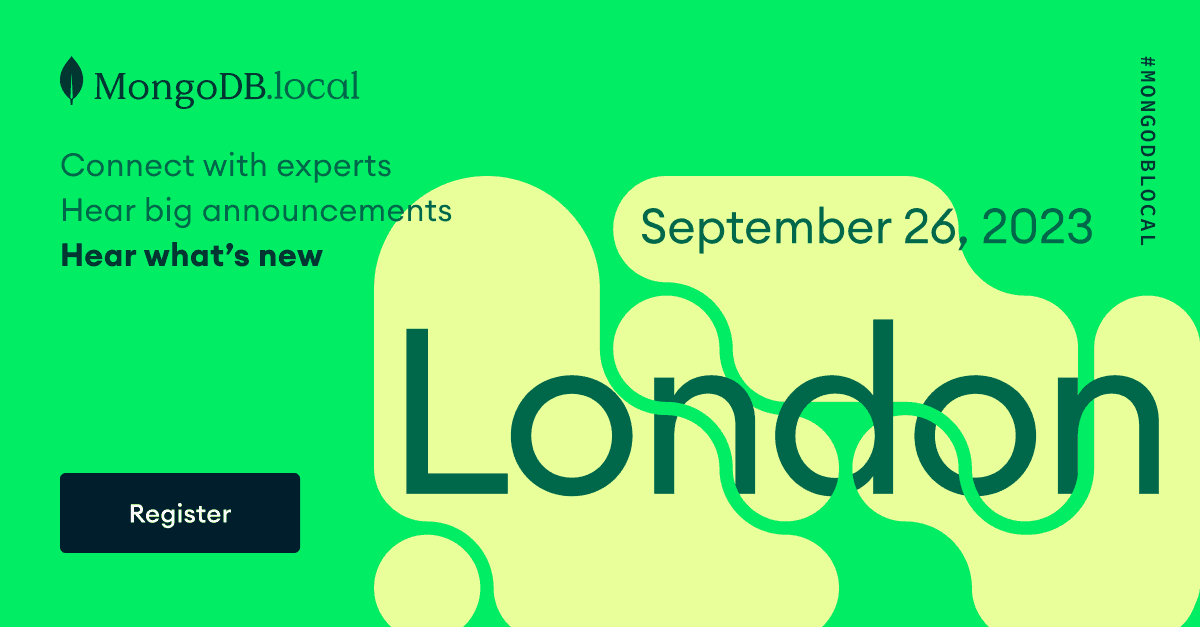
The team ultimately announced the AI Query Bar launch a bit later than expected to correspond to MongoDB .local London three months later.
Timelines shift or pivots happen from time to time in real projects. However, by delivering insights early under a tight schedule, I was able to ensure that data and a user-centered approach influenced strategy and engineering decisions.
UX Research Lead
MongoDB
"Tiffany excelled in taking charge of an ongoing strategic project immediately upon joining the company. She successfully accomplished all the required intern courses and duties while simultaneously organizing and conducting interviews within the initial three weeks at MongoDB."